
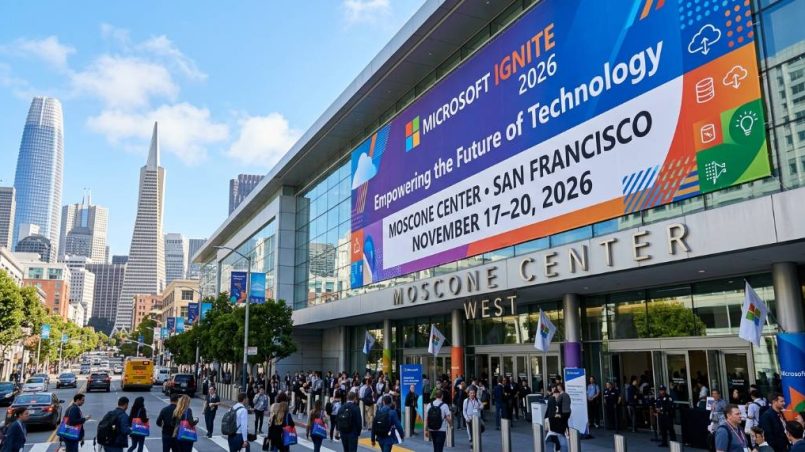
Microsoft Ignite 2026 is one of the most anticipated technology events of the year. It brings together IT professionals, developers, cloud architects, and business leaders from around the world. This year, the event returns to an in-person format. It promises major announcements, hands-on learning, and a deep look at the future of AI and cloud technology.
Whether you are planning to attend in person or join online, this guide covers everything you need to know. Read on for dates, location, pass prices, session highlights, AI updates, and more.
What Is Microsoft Ignite?
Microsoft Ignite is Microsoft’s flagship annual technical conference. It serves as the primary stage for the company’s biggest product and platform announcements. The event covers a wide range of topics. These include Azure cloud services, Microsoft 365, security tools, developer platforms, and artificial intelligence.
The conference attracts more than 30,000 in-person attendees each year. Hundreds of thousands more participate online. Professionals from mid-market companies to the world’s largest enterprises all attend. It is, therefore, one of the most important events in the global tech calendar.
For 2026, Microsoft has returned to an in-person format after the 2025 edition was held entirely online. This makes it an especially important year to attend.
Dates, Location, and Venue
Microsoft Ignite 2026 runs from November 17 to November 20, 2026. Pre-event badge pickup and learning sessions begin on November 16. The main conference programming follows across all four days.
The event is hosted at the Moscone Center in San Francisco, California. Moscone Center is one of the West Coast’s most established and well-equipped convention venues. It has the capacity and facilities to host a global event of this scale.
| Detail | Information |
| Event Dates | November 17–20, 2026 |
| Pre-Event Day | November 16, 2026 |
| Location | Moscone Center, San Francisco, CA, USA |
| Format | In-Person and Digital |
| Hub Open | November 17–19, 2026 |
The digital experience is also available for those who cannot travel. Virtual attendees can access keynotes, sessions, and technical content online.
Registration and Pass Options
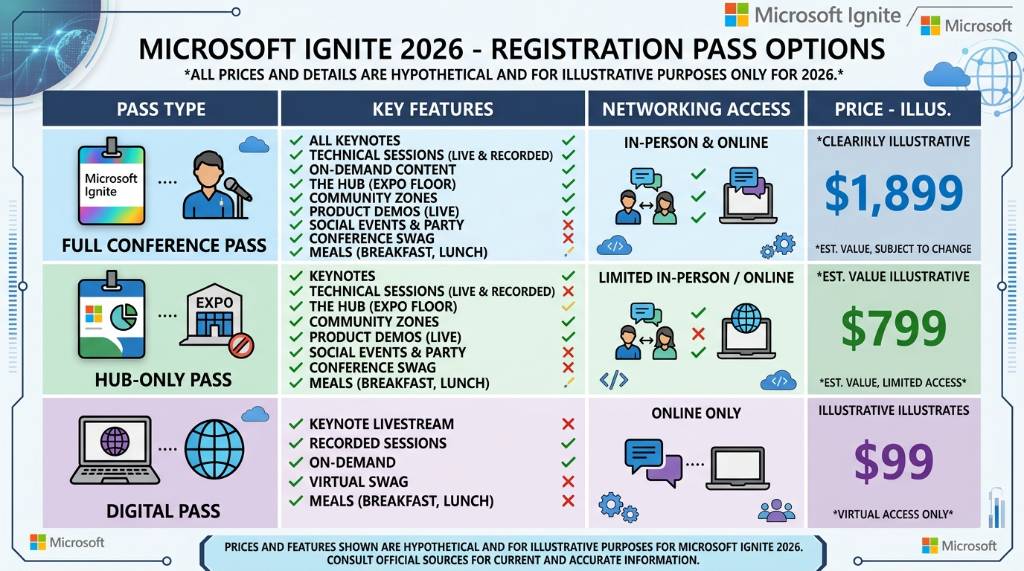
Microsoft offers three types of passes for Ignite 2026. Each pass is designed for a different type of attendee. Here is a clear breakdown of your options.
| Pass Type | Price | Access |
| Conference Pass | $2,325 | Full in-person access plus digital venue |
| Hub-Only Pass | $1,625 | Hub experiences only (Nov 17–19) |
| Digital Pass | Free | Online keynotes, sessions, and content |
The Conference Pass gives you the most complete experience. It covers all in-person sessions, the Hub, hands-on labs, and the digital venue. The Hub-Only Pass is ideal if your main goal is visiting partner booths and attending theater sessions. The Digital Pass is a great option if you want to follow along from home at no cost.
Registration is now open. You can secure your spot at ignite.microsoft.com. Space is limited for the in-person event, so it is wise to register early.
Additionally, Microsoft offers onsite certification exams and hands-on labs. Check the official registration flow for reservation requirements and availability before finalizing your travel plans.
Who Should Attend?
Microsoft Ignite 2026 is built for professionals who work closely with Microsoft technologies every day. The event is particularly valuable for:
- IT professionals managing Microsoft 365 environments, including Teams, SharePoint, and Exchange
- Cloud architects and engineers building on Azure
- Security professionals working with Microsoft Sentinel, Defender, and Entra ID
- Developers using Visual Studio, GitHub Copilot, and the Power Platform
- Business leaders and enterprise architects reviewing technology roadmaps
- Microsoft partners such as managed service providers and independent software vendors
However, even professionals who are new to the Microsoft ecosystem can benefit from the foundational sessions. The content spans five technical depth levels, from executive overviews to advanced engineering deep dives.
Agenda and Session Highlights
Microsoft has published a searchable session catalog for Ignite 2026. You can filter sessions by topic, audience, and technical level. This makes it easy to build a schedule that fits your goals.
Sessions are organized into several formats. These include keynotes, breakout sessions, hands-on labs, lightning talks, theater sessions, and table talks. Below are the key topic areas covered at the event.
| Track | Topics Covered |
| AI and Copilot | Microsoft 365 Copilot, Agent Factory, Copilot Studio, AI security |
| Azure Cloud | Azure infrastructure, compute, networking, Kubernetes, serverless |
| Security and Identity | Microsoft Sentinel, Defender, Entra ID, governance |
| Microsoft 365 | Teams, SharePoint, Exchange, productivity tools |
| Developer Tools | GitHub Copilot, Visual Studio, Power Platform, Azure DevOps |
| Business Applications | Dynamics 365, enterprise automation, data integration |
Confirmed keynote speakers include Satya Nadella, Microsoft’s Chairman and CEO. Additional speakers include senior executives from across Azure, Microsoft 365, Copilot Studio, and business applications. Other confirmed names include Nicole Herskowitz (CVP, Microsoft 365 and Copilot), Mark Russinovich (CTO, Microsoft Azure), and Jared Spataro (CMO, AI at Work).
Therefore, it is important to browse the catalog early. High-demand technical sessions tend to fill up fast. Arrive early to any session you want to attend in person.
AI and Microsoft Updates to Expect
Artificial intelligence is at the heart of Microsoft Ignite 2026. Microsoft has been investing heavily in AI across its entire product line. Accordingly, this year’s event is expected to showcase the most significant AI updates yet.
Here are the key AI themes expected at the conference.
Microsoft 365 Copilot continues to evolve rapidly. Attendees will get a close look at new Copilot capabilities for Teams, Word, Excel, and Outlook. These tools are designed to help organizations automate routine tasks and improve workplace productivity.
Agent Factory and the Agent 365 control plane represent Microsoft’s next step in AI automation. These tools allow businesses to create and manage AI agents that can carry out complex workflows on their own.
Copilot Studio gives developers the ability to build custom AI assistants. Sessions at Ignite 2026 will cover how to design, deploy, and manage these assistants at scale across an organization.
Azure AI services are expanding as well. Microsoft is expected to announce new capabilities for Azure OpenAI, AI-powered data analysis, and intelligent cloud infrastructure.
Security AI is another major focus. Microsoft is integrating AI deeply into its security tools. This helps organizations detect threats faster and respond more effectively to incidents.
Additionally, Microsoft will publish the “Book of News” on the opening day of the conference. This document lists every major product announcement made during the event. It is the fastest way to review all updates if you cannot attend every session in person.
The Hub: Expo Floor and Partner Experiences
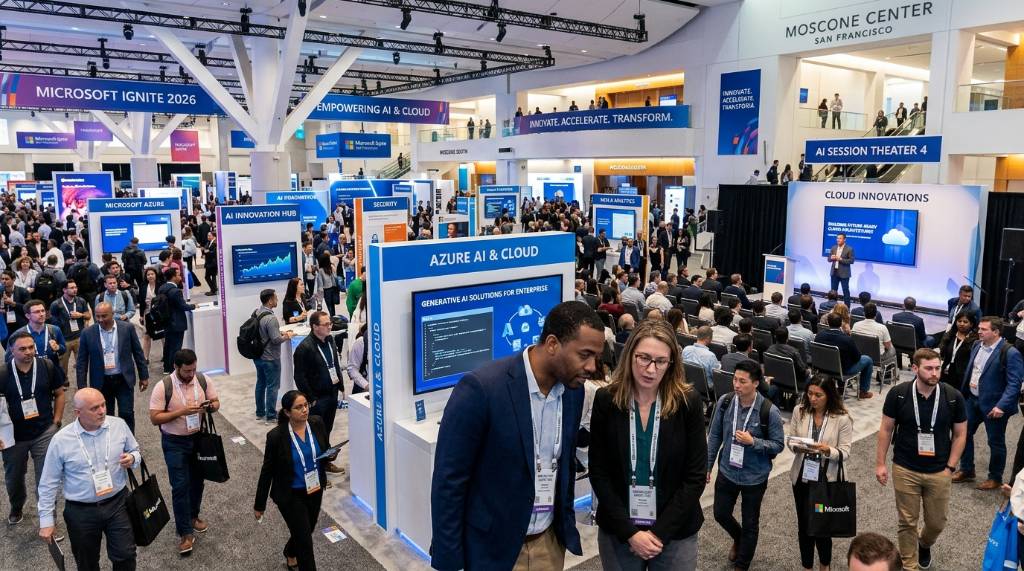
The Hub is the name Microsoft uses for the expo floor at Ignite. It is open from November 17 to November 19. It features Microsoft’s own product teams alongside hundreds of partner organizations.
At the Hub, Microsoft engineers staff booths across Azure, Microsoft 365, and security products. These are not typical sales interactions. You can ask deep technical questions and get answers directly from the people who build the products.
Partner exhibitors cover the full Microsoft ecosystem. You will find managed service providers, Azure migration consultancies, security vendors, hardware partners such as Dell, HP, and Lenovo, and industry-specific solution providers.
The Hub is also a powerful networking space. You can connect with peers, meet potential partners, and have conversations that would otherwise take weeks to arrange. For this reason, the Hub-Only Pass is worth considering even if you are not attending full conference sessions.
Tips for Getting the Most Out of Microsoft Ignite 2026
Planning ahead makes a significant difference at a large event like this. Here are some practical tips to help you get the most out of your time in San Francisco.
Start with a clear goal. Decide in advance whether your main objective is learning, networking, meeting partners, or exploring AI tools. This will help you choose the right sessions and use your time wisely.
Browse the session catalog before you arrive. Filter by your product area and technical level. Pre-register for sessions you definitely want to attend. Popular sessions fill up quickly, so early action is important.
Allow time for the Hub. Even if sessions are your primary focus, set aside at least one full day for the expo floor. Some of the most valuable conversations happen during booth visits and theater sessions.
Take notes and plan your follow-up. Ignite covers a huge amount of ground in just four days. Write down key takeaways after each session. This helps you apply what you learn when you return to work.
Follow the Book of News. If you cannot attend every keynote, check the Book of News on the opening day. It gives you a complete picture of every announcement Microsoft makes during the event.
Conclusion
Microsoft Ignite 2026 is a must-attend event for technology professionals who work with Microsoft products. It takes place November 17–20, 2026 at the Moscone Center in San Francisco, California. The conference offers in-person access through Conference and Hub-Only passes, as well as a free Digital pass for virtual attendees.
The event covers a wide range of topics, including Azure, Microsoft 365, security, developer tools, and artificial intelligence. This year’s focus on AI is especially significant. Announcements around Copilot, AI agents, and Azure AI services will shape how organizations plan their technology strategies for the years ahead.
Registration is open now. Whether you are an IT professional, a developer, a security expert, or a business leader, Microsoft Ignite 2026 has something valuable to offer. Plan ahead, browse the session catalog early, and make the most of your time at one of the world’s leading technology conferences.
Frequently Asked Questions (FAQs)
When is Microsoft Ignite 2026?
Microsoft Ignite 2026 takes place November 17–20, 2026. Pre-event activities, including badge pickup and learning sessions, begin on November 16.
Where is Microsoft Ignite 2026 being held?
The event is held at the Moscone Center in San Francisco, California, USA.
How much does it cost to attend Microsoft Ignite 2026?
The Conference pass costs $2,325. The Hub-Only pass costs $1,625. The Digital pass is completely free.
Can I attend Microsoft Ignite 2026 virtually?
Yes. Microsoft offers a free Digital pass that gives online access to keynotes, sessions, and on-demand content throughout the event.
Who are the keynote speakers at Microsoft Ignite 2026?
Confirmed speakers include Satya Nadella, Microsoft’s Chairman and CEO, along with senior executives from Azure, Microsoft 365, Copilot Studio, and other product divisions.
What is the Hub at Microsoft Ignite?
The Hub is the expo floor at the event. It features Microsoft product teams and partner exhibitors. It is open November 17–19, 2026.
What is the Book of News?
The Book of News is Microsoft’s official collection of all product announcements made during Ignite. It is published on the first day of the conference and is available online to everyone.
Is Microsoft Ignite 2026 the same as Microsoft Build?
No. Microsoft Build, held in May, focuses specifically on developers and application development. Microsoft Ignite targets IT professionals and enterprise administrators with a broader platform scope.
What AI topics will be covered at Microsoft Ignite 2026?
Key AI topics include Microsoft 365 Copilot, Agent Factory, Copilot Studio, Azure AI services, and AI-powered security tools across the Microsoft ecosystem.
How do I register for Microsoft Ignite 2026?
You can register at the official Microsoft Ignite website: ignite.microsoft.com. It is recommended to register early, as in-person spaces are limited and popular sessions fill up quickly.